3D Printing Carbon Footprint Calculator

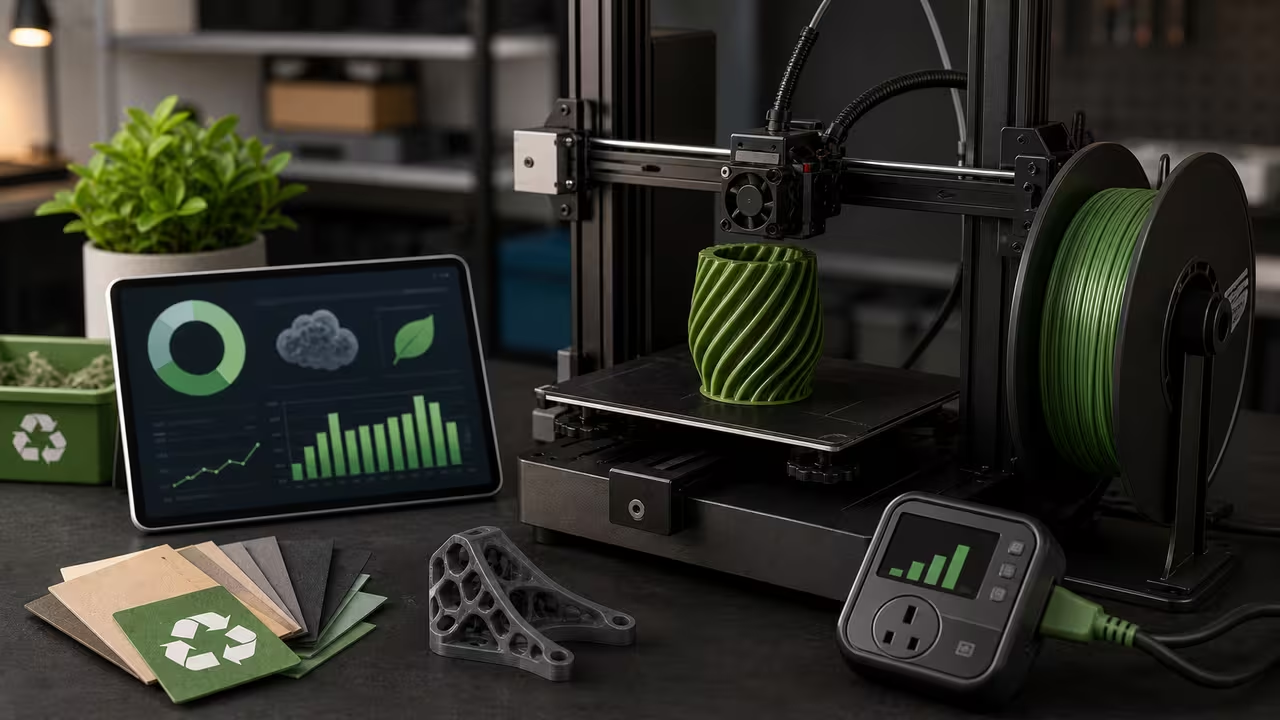
Introduction to 3D Printing Carbon Footprint Estimates
3D printing feels compact because it builds objects layer by layer on a desktop machine, yet every finished part still leaves a measurable carbon trace. The hotend and heated bed consume electricity for hours, the stepper motors and fans draw power in the background, and the filament itself already carries emissions from extraction, processing, transport, and pellet-to-filament manufacturing. This calculator brings those pieces together so a maker can estimate the footprint of a single print before starting a job, compare design options, or keep a practical emissions log across many projects.
That matters because the environmental impact of additive manufacturing often hides inside small decisions. A solid infill prototype can use far more material than a hollowed version. A long overnight run in a region with a carbon-intensive grid can carry a larger electricity burden than the same job printed where electricity is cleaner. Even a modest change in filament type can shift the result because PLA, PETG, ABS, and recycled options do not share the same production footprint. By turning these tradeoffs into a clear number, the calculator helps sustainability become part of ordinary print planning instead of an afterthought.
How to Use This 3D Printing Carbon Footprint Calculator
To use this 3D printing carbon footprint calculator, enter the five values that describe your print and then select Calculate Emissions. The tool immediately estimates the electricity portion, the material portion, and the combined total in kilograms of CO₂ equivalent. You can then copy the result if you want to save it in a project note, purchasing sheet, or maker-space print log. The animated printer below the result is separate from the mini-game farther down the page; it simply visualizes how larger totals produce more visible emission puffs.
Each field has a specific meaning in the context of 3D printing emissions. Filament Used is the mass of plastic consumed by the print in grams, ideally including supports if they are part of the job. Printer Power is the average watt draw during the run. Print Time is the duration in hours. Grid Emission Factor represents how carbon-intensive local electricity is, measured in kilograms of CO₂e per kilowatt-hour. Filament Emission Factor describes the embodied emissions of the material itself, measured in kilograms of CO₂e per kilogram of filament. If you do not have a supplier-specific value, the reference table below provides reasonable starting points for common materials.
- Use your slicer estimate or a weighed part for filament mass.
- Use average power draw rather than maximum rated PSU output when possible.
- Match grid factor to your location, utility, or renewable tariff.
- Adjust the filament factor if your supplier publishes life-cycle data.
- Interpret the result as a useful estimate, not a full life-cycle assessment.
The most useful way to work with this tool is comparatively. Try one scenario with a dense infill and another with a lighter interior. Compare PLA with ABS. Test whether shortening the print or choosing a lower-temperature material changes the balance more than you expected. Because the calculator shows both electricity and material separately, it is easy to see which lever matters most for a given project.
Formula for 3D Print Emissions
The 3D printing carbon footprint formula combines the electricity used while the printer is running with the embodied emissions of the filament itself. If a printer draws watts for hours, the energy use is kilowatt-hours. Multiplying by the grid’s emission factor yields the electricity emissions . The second component is the production footprint of the filament itself. With grams of material and an emission factor expressed per kilogram, the material emissions are . Summing these gives the total footprint .
In plain language, the formula says that a print’s footprint is the carbon from running the machine plus the carbon already baked into the plastic you used. Electricity depends on power, time, and the grid. Material depends on mass and the filament’s life-cycle factor. This split is important because the two terms behave differently. Starting a print when electricity is cleaner changes only the electricity term. Switching to a lower-impact filament changes only the material term. Reducing print time or mass can cut both, which is why smarter design and settings usually deliver the biggest savings.
Worked Example: A PLA Print on a Mixed Grid
For a realistic 3D printing example, suppose a model consumes 120 grams of PLA filament. The printer averages 150 watts over a 6-hour run. In a region where electricity emits 0.6 kg CO2e per kWh and PLA manufacturing emits 3.1 kg CO2e per kg, the electricity emissions are kg CO2e. Material emissions equal kg. The combined footprint is 0.91 kg CO2e. The calculator performs this math automatically.
Worked examples are useful because they show how a 3D print’s total splits into parts. In this case, electricity contributes more than half of the impact, so cleaner power or a shorter run would matter. If the same object were redesigned to use less material, the material term would fall immediately. If the print were moved to a lower-carbon grid, the electricity term would drop instead. The best sustainability improvement depends on which term dominates your particular job.
Visualizing 3D Print Emissions in Motion
The animation below the result turns a 3D printing carbon footprint into a simple scene. A stylized printer head glides back and forth across a bed, tracing the path of a typical layer-by-layer build. At the same time, faint gray puffs rise from the machine. Each puff represents a portion of the calculated footprint, so the rate of smoke increases as the total emissions grow. When the form inputs change—perhaps you switch from PLA to ABS or extend the print time—the animation responds in real time, emitting more or fewer clouds while the carriage continues its steady sweep. Watching the visualization update reinforces the link between the equation and the physical processes it represents.
Animation helps because emissions are otherwise invisible. The filament mass you enter might be only a few hundred grams, yet the smoke reminds you that even small objects carry a footprint. A faster-moving or longer-running printer does not automatically mean a better outcome if it burns more electricity or requires more support material. Users who rely on screen readers receive an equivalent caption for the visualization, so the educational point is not limited to sighted visitors.
Filament Emission Factors for Common 3D Printing Materials
| Material | kg CO₂e/kg |
|---|---|
| PLA | 3.0 |
| PETG | 4.2 |
| ABS | 6.0 |
These example emission factors draw from published life-cycle assessments and reflect broad supply-chain averages rather than a single manufacturer. Recycled feedstock, locally extruded filament, or suppliers using a high share of renewable energy may report lower values. Specialty engineering materials, dyed blends, and heavily packaged small-batch products can be higher. If you have vendor documentation, use it, because the material term can be a major share of the result for dense or large prints.
Efficiency Tips for Lower-Carbon 3D Printing
Reducing print time and mass directly lowers emissions in a 3D printing job. Strategies include hollowing models, trimming unnecessary supports, using adaptive layer heights, or consolidating multiple small parts into a single run so warm-up losses are shared across more output. Choosing low-temperature materials like PLA can reduce electricity demand compared with higher-temperature plastics. Better insulation around a hotend or heated bed can also improve efficiency by reducing repeated heating cycles. The calculator makes these tradeoffs visible because every reduction in time or grams lowers one part of the formula, and sometimes both.
Design for Reuse in 3D Printing
Another path to lower footprints is designing for durability and repeated use. A throwaway prototype used once and discarded concentrates emissions into a very short-lived object. A well-designed replacement clip, jig, bracket, or repair part may still carry a footprint, but it can extend the life of a larger product and avoid a new purchase. That broader benefit is not included in the simple calculation here, yet it matters when deciding whether a print is a responsible use of material and power.
Beyond the Printer: Post-Processing Emissions
Post-processing can add impacts that are easy to ignore in 3D printing. Sanding, painting, vapor smoothing, adhesive use, and frequent reprints all raise the true footprint of a finished part. Failed first layers, test cubes, purge lines, and discarded support material also generate waste. This calculator intentionally stays focused on the core estimate of printing electricity and filament production so the result remains clear and easy to understand, but thoughtful makers should remember that the full environmental story is usually larger than the final number alone.
Interpreting 3D Printing Carbon Footprint Results
The final emissions figure is best treated as a baseline estimate for 3D printing. Real printers do not draw constant power every second; heaters cycle, fans ramp, and ambient temperature changes how often components reheat. Grid emissions also vary by hour in many regions as renewable output and fossil generation shift. Even so, the estimate is still highly useful. It tells you the right order of magnitude, highlights which jobs are materially larger than others, and shows where design or scheduling choices are worth your attention.
A low total does not automatically mean a print is sustainable, and a higher total does not automatically mean it was a poor decision. Context matters. A one-off decorative print may be optional, while a functional repair that prevents a larger product from being thrown away can have strong practical value. The best use of the calculator is not to chase a perfect number, but to make tradeoffs visible and encourage more deliberate choices.
Comparisons and Benchmarks for 3D Printing Footprints
A few rough benchmarks help place a 3D print's footprint in context. A typical 1 kg spool of PLA embodies roughly 3 kg CO2e before printing begins. If a household uses one spool per year and the printer consumes 50 kWh of electricity, the annual footprint is about 3 + (50 × g) kilograms, where g is the local grid factor. For context, driving a gasoline car for roughly 10 km emits about 2.5 kg CO2e. That does not mean printing and driving are directly equivalent activities, but rough comparisons like this help translate an abstract mass of emissions into something easier to imagine.
Comparing 3D Printing Scenarios
The table below compares three common 3D printing scenarios to show how material choice and print time affect emissions.
| Scenario | Material | Time (h) | Total Emissions (kg CO₂e) |
|---|---|---|---|
| Small PLA prototype | PLA | 2 | ≈0.20 |
| Medium PETG utility part | PETG | 6 | ≈0.80 |
| Large ABS functional part | ABS | 10 | ≈1.40 |
The prototype uses less material and prints quickly, resulting in a footprint far below the ABS part. The PETG scenario sits between those extremes, showing how both duration and material factor influence the total. This is exactly why a single print setting rarely tells the whole story. A supposedly efficient fast print may still carry a larger footprint if it uses more power or a higher-impact filament, while a slower job on a cleaner grid can sometimes outperform it.
Limitations and Assumptions for 3D Print Emissions
This 3D printing calculator assumes constant average printer power, uniform grid emissions during the run, and linear material impacts based on filament mass. It excludes transportation, packaging, post-processing, failed prints, machine manufacturing, and end-of-life disposal. These omissions are intentional because they keep the tool fast, understandable, and useful for day-to-day planning. If you are performing a formal environmental review, treat this output as a first-order estimate and supplement it with supplier data and broader life-cycle boundaries.
Conclusion: Using the Calculator for Greener 3D Prints
Whether you are iterating a mechanical bracket, creating classroom models, or printing cosplay parts over a weekend, understanding the hidden carbon cost of each 3D print leads to smarter making. By combining simple inputs—filament mass, printer power, run time, and emission factors—the calculator applies the equation . The result is not the entire environmental story, but it is a strong, practical starting point. Once you can see the number, you can begin to lower it.
Recording Your 3D Printing Emissions
After you calculate a result, use Copy Result to save the electricity and material breakdown from this 3D print. Keeping a log of each print’s emissions can reveal patterns over time. You may notice, for example, that large support-heavy prototypes dominate your totals, or that a particular material choice consistently carries a higher material share than expected. Those observations make future reductions easier because they point you toward the projects and settings that matter most.
Related 3D Printing Calculators
Plan more efficient printing with the 3D Printer Filament Usage Estimator, break down costs in the 3D Printing Cost Calculator, and weigh outsourcing with the 3D Printer Ownership vs Service Cost Calculator.
Animation of a 3D printer head moving while smoke puffs visualize calculated CO2 output.
Mini-game: Carbon Queue Scheduler
Want a quicker feel for the same 3D printing tradeoffs? This optional arcade-style mini-game turns the electricity side of the formula into a timing challenge. You are managing a print queue and trying to launch each job when the moving marker crosses cleaner electricity on the timeline. Long prints cover more grid slots, so you cannot simply tap at any green patch and expect the best result. The material term stays fixed for each job, but the electricity term changes with timing, which is exactly the lesson behind smart scheduling.